After working with Tinkercad to reproduce these seven items, I have learned that Tinkercad is both an intuitive and frustrating platform for producing three-dimensional objects.
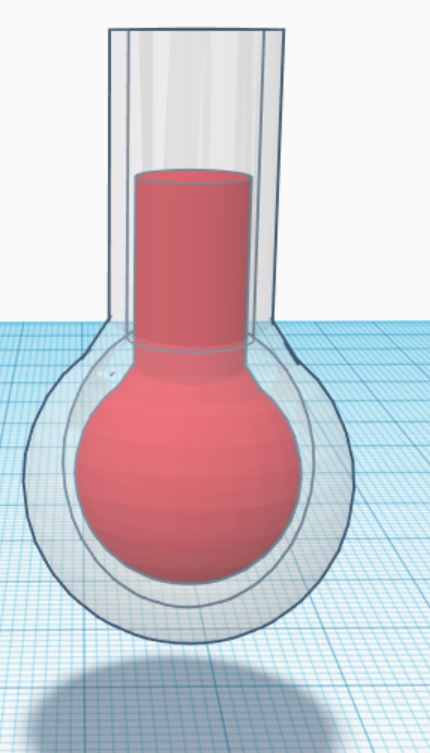
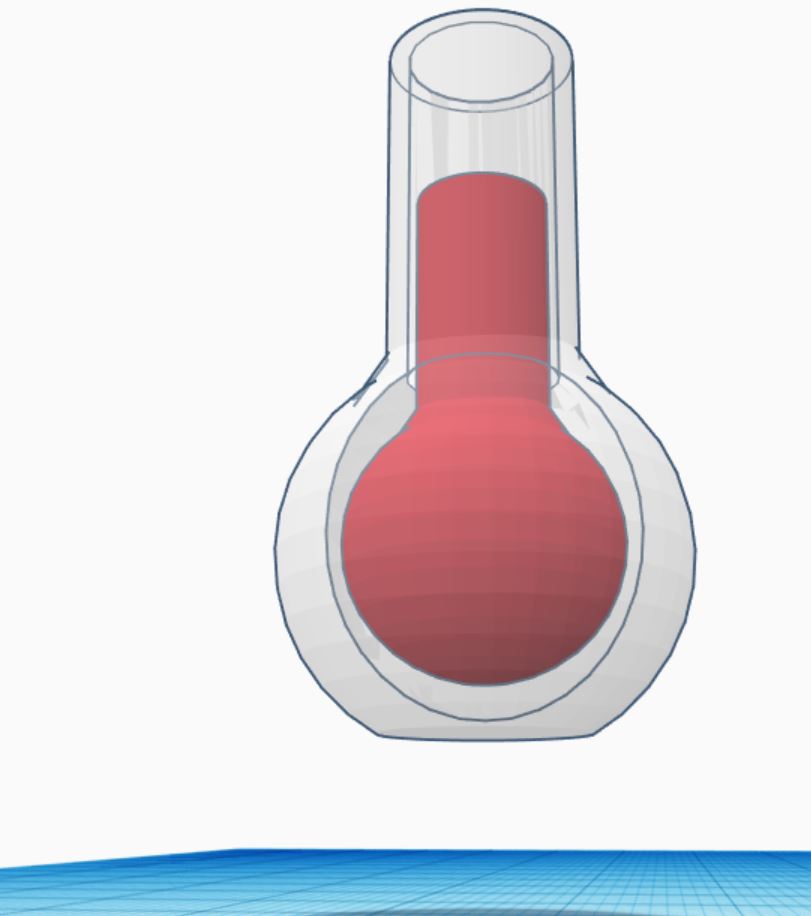
The intuitive aspect of Tinkercad comes from its drag and drop user interface which allows you to create a three-dimensional object in less than a few mouse clicks. Preciseness in design is where Tinkercad struggles as a software. One object where I encountered this shortcoming of the software was the flat-bottomed flask. While designing the body of the flask itself was not the issue, actually filling the flask with a “liquid” was extremely difficult for me. As seen in the screenshots of my flask, the “liquid” in the flask does not contour very well to the sides of the flask. I tried to remedy this by placing a sphere within the flask and then placing the other shape on top but discovered this made the shape look more uneven than before.
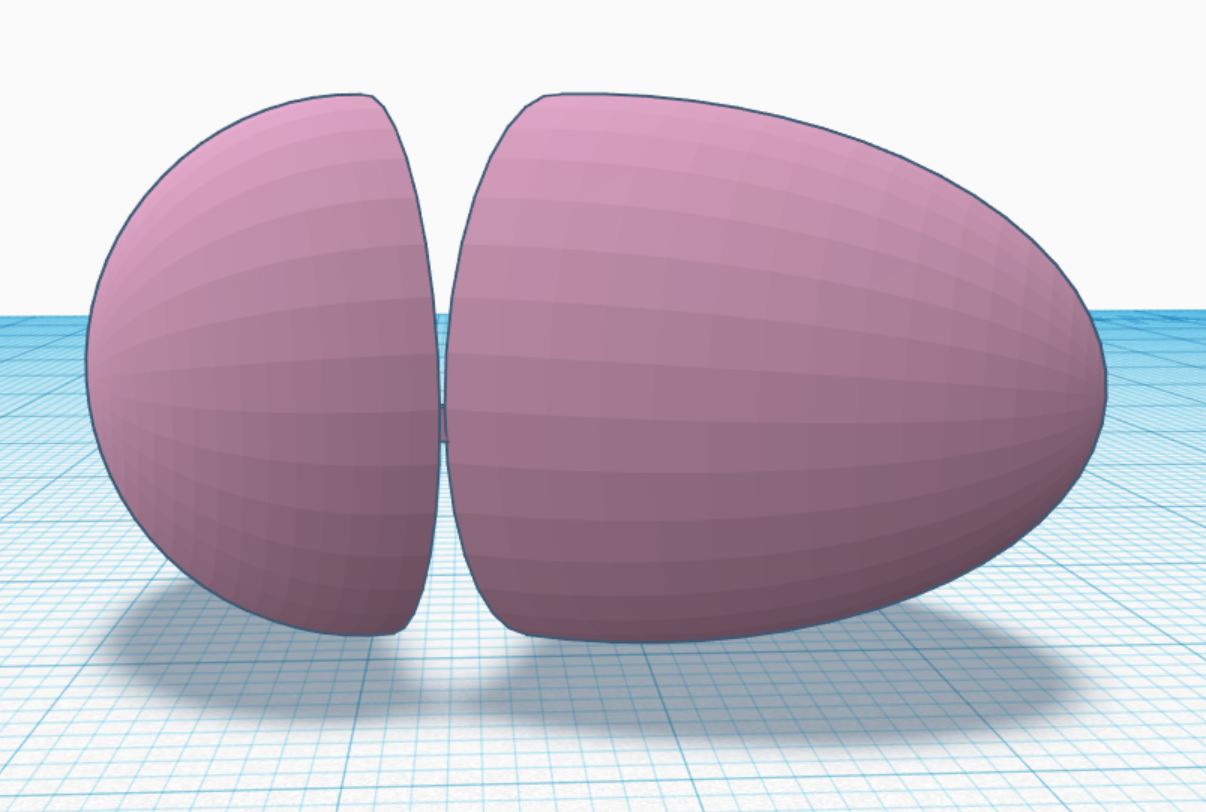
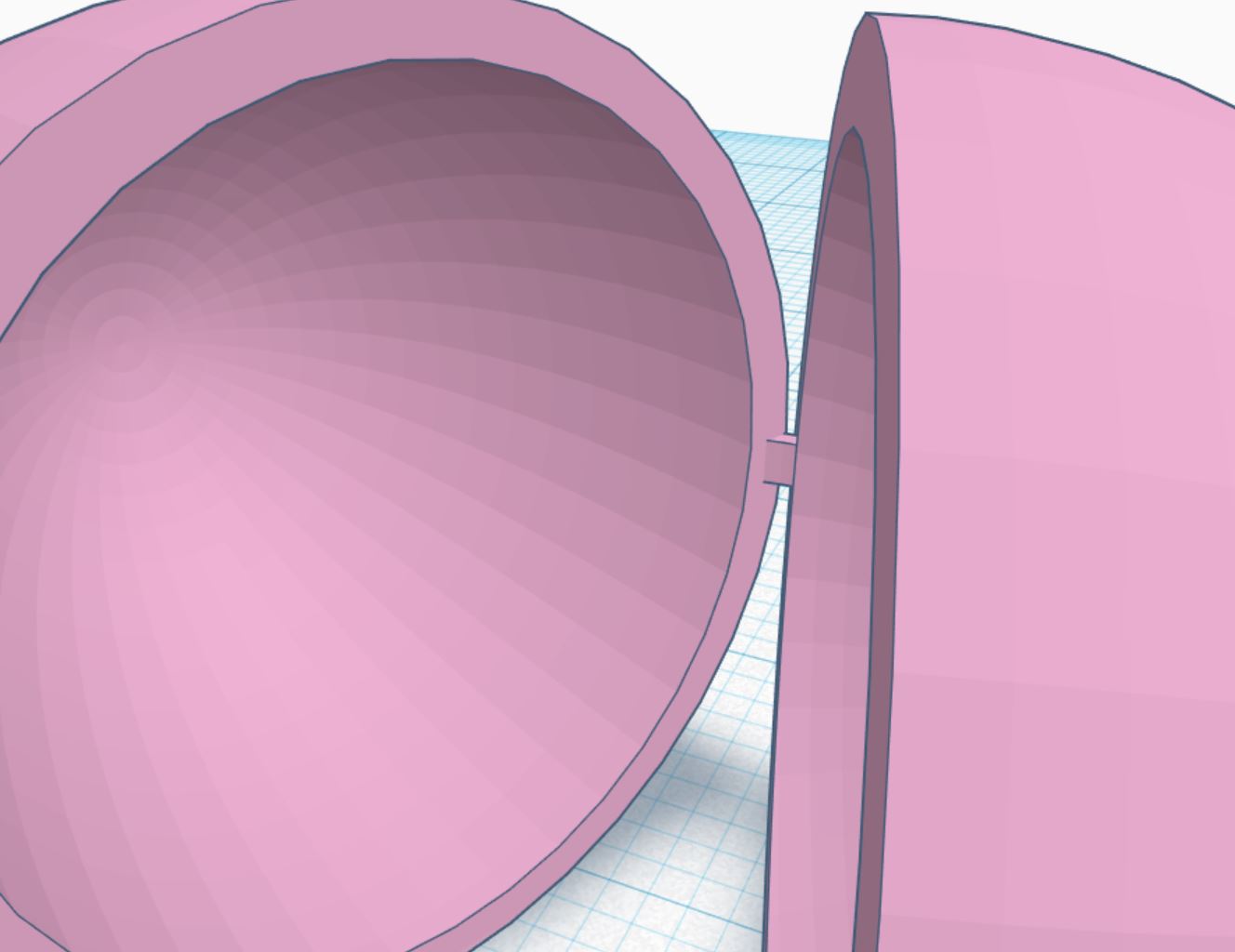
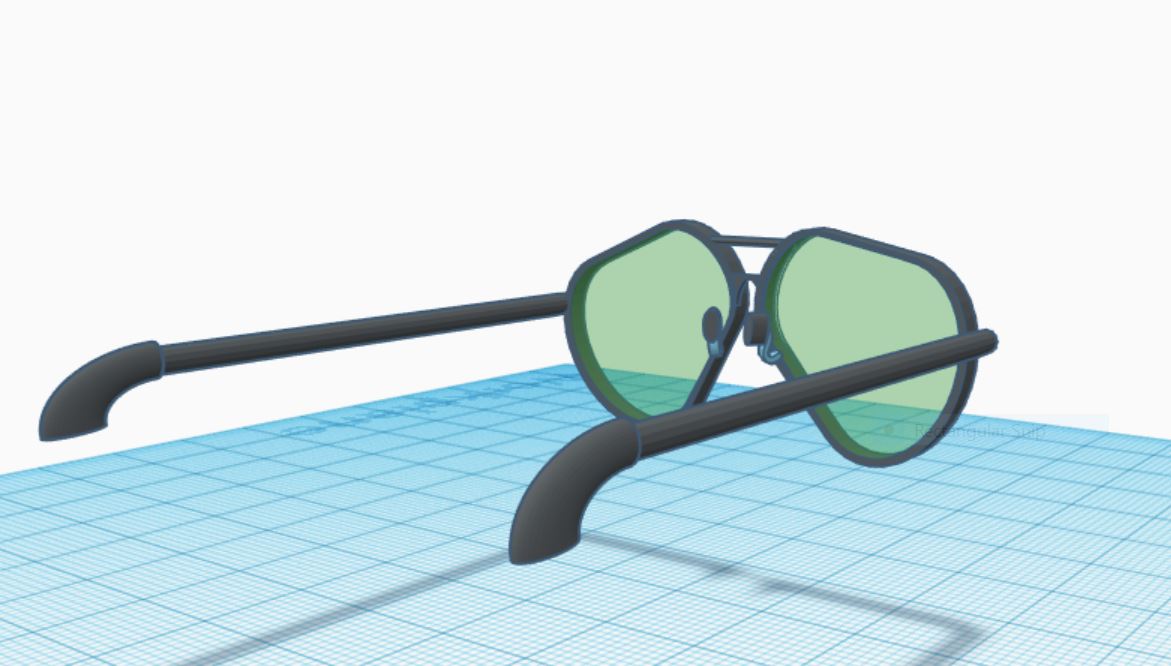
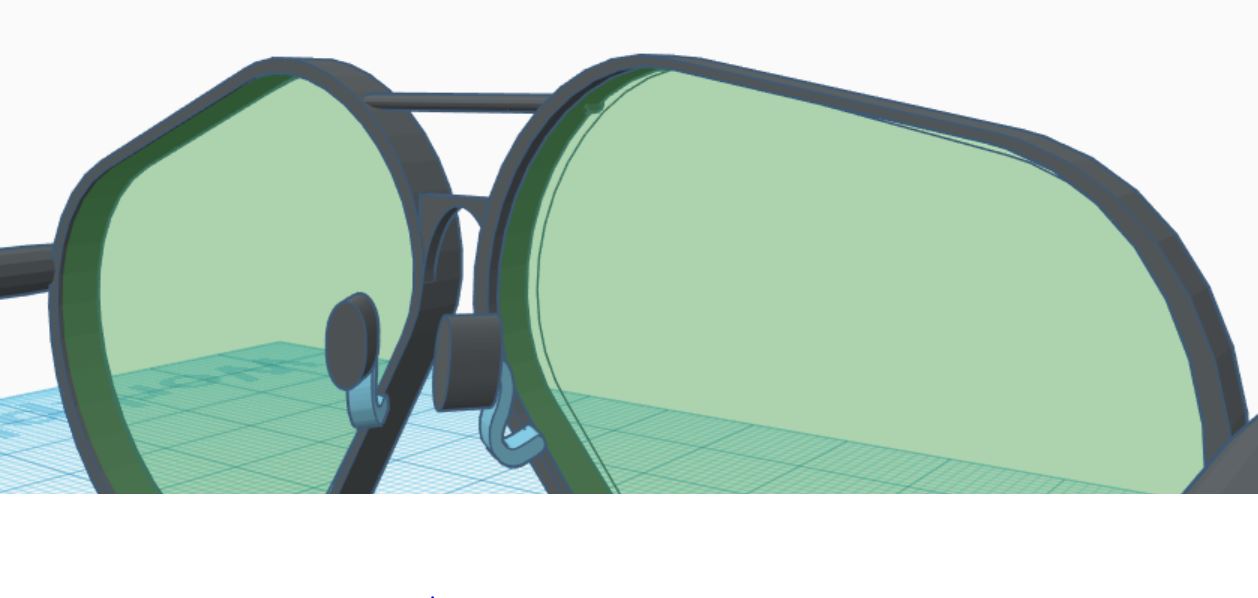
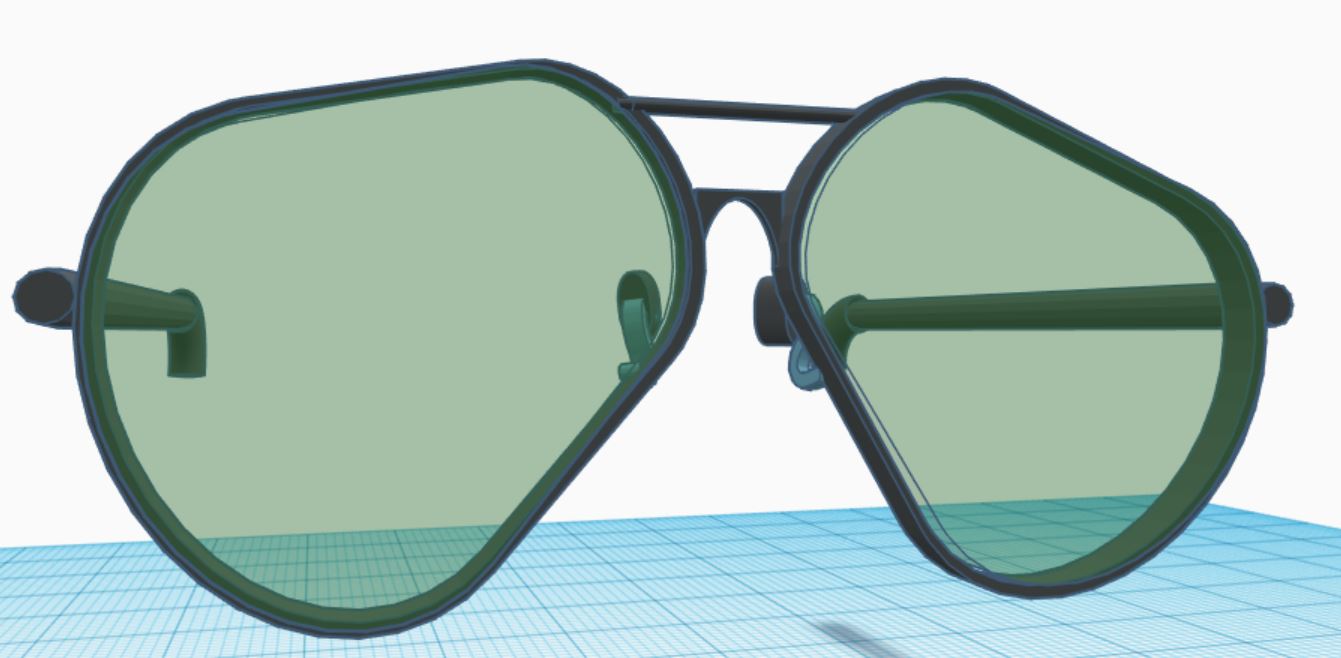
Two objects I believe I recreated well were the open egg and the aviator glasses. For the open egg, I was able to use the scribble tool to create the latch for the egg. While a small addition, this feature added to the accuracy of the reproduction. When we were first tasked with reproducing the aviator glasses, I was worried about all the various parts needed to design the glasses. To circumvent this, I focused on one half of the glasses at a time since the other side just required an adjustment of the angles.






 Sergio Shapiro's IDS2141 Blog