Ah Lucas, you should really be a professional salesperson for 3D modeling programs. You started us off with a bare-bones childish software, threw us into the hyper-technical abyss that was FreeCad, and then tossed us the keys to a brand new Ferrari that is Fusion 360. Not only have you introduced to a multitude of programs, but also you have shown us that money (or the ability to get an educational license) really makes a difference when it comes to the capabilities and user-experience within different software’s.
I really did enjoy using Fusion 360 as it exponentially more user friendly than FreeCad. Looking around at the other features that Fusion 360 offers, I am definitely going to play around with some of the case studies that it allows you to do on the structure of objects. Aside’s aside, Fusion 360 makes it much easier to sketch out and plan what you want to model. Additionally, once you turn your sketch into a 3D model, manipulating the object and changing its properties is a breeze. One feature that I also enjoyed about Fusion 360 is that when you hover over a button, it provides you with a brief explanation of the function. For someone that just started using the software, this was a nice touch.
without further ado, here come the objects:
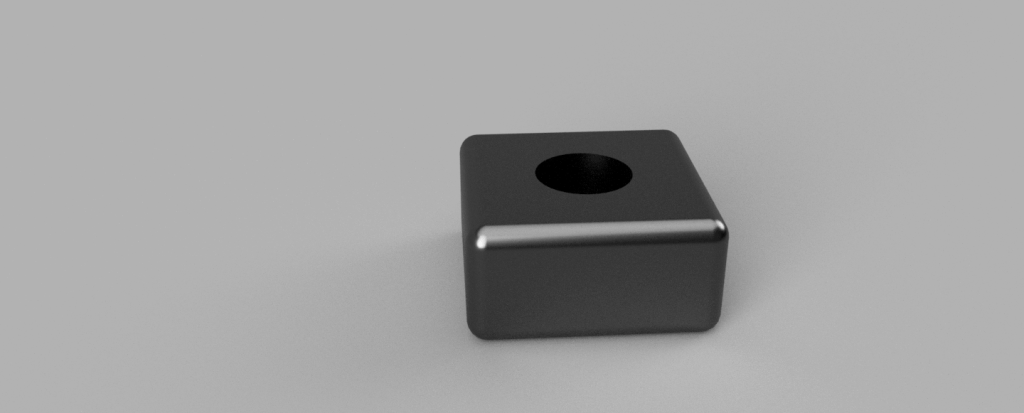
Object 1: Tutorial shape
Object 2: Lampshade/chocolate fountain (when not being used for light diffusing purposes)

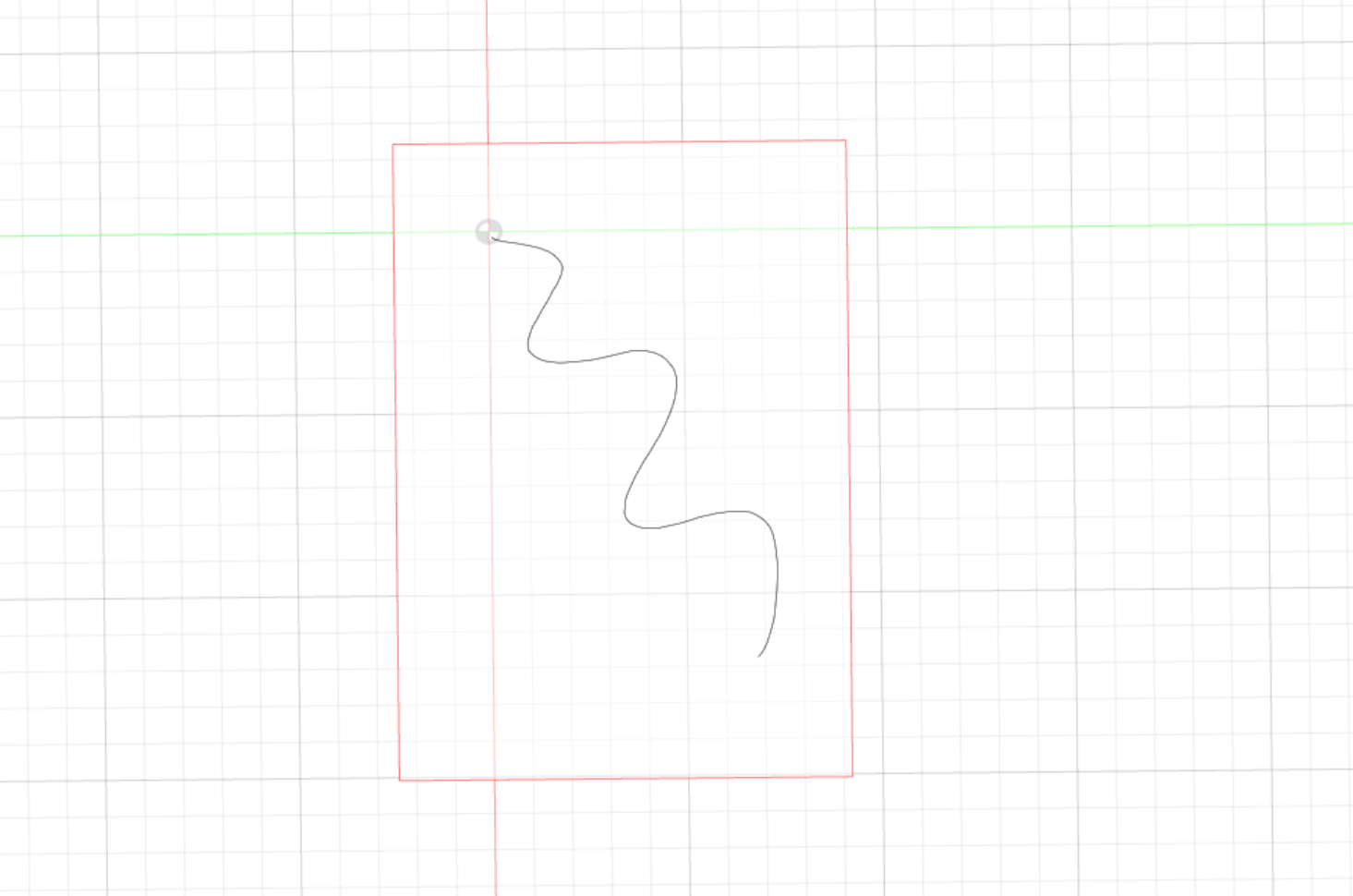

Object 3: Flask


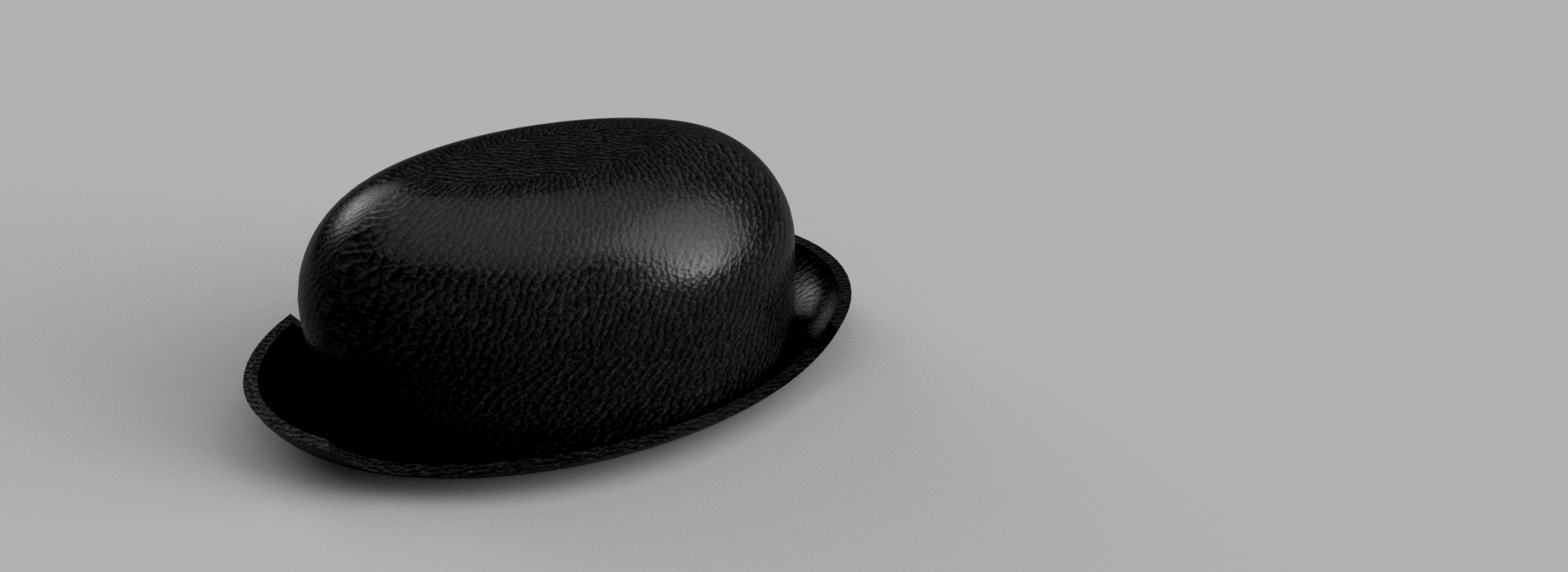
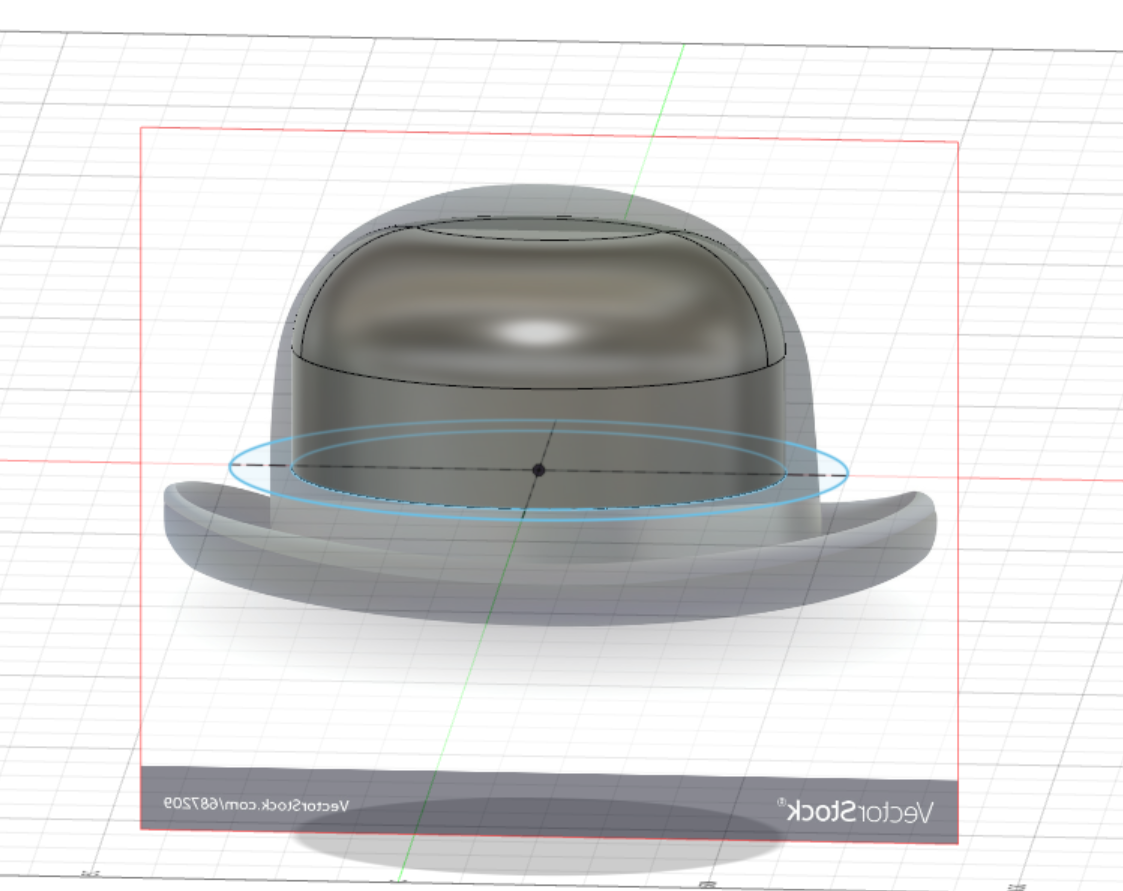
Object 4: Bowler hat (a leather bowler hat that will most likely become very stifling and smelly)


 Sergio Shapiro's IDS2141 Blog