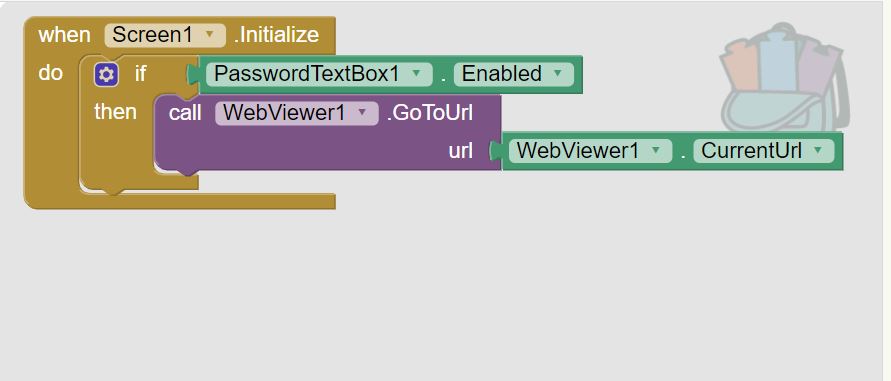
Working with app inventor was an interesting experience as this was the first time I have ever worked with a software designed for developing applications. While this interface was designed for young children, at some points I found myself struggling to complete a desired process. One example was when I attempted to make the application require a password upon loading (see screenshot 3). After messing around with various “blocks” and inserting different prompts, I still failed to add this feature.
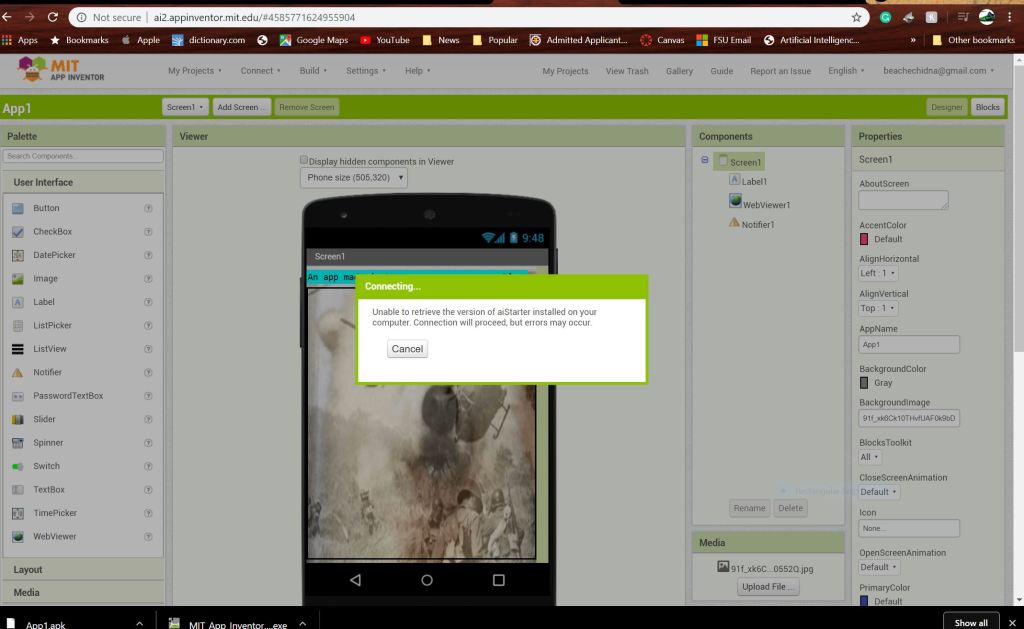
One function of the application that I was able to successfully implement were a pop-up notification that appeared when the back button on the device is pressed (see screenshot 2). Another function that I was able to embed within the application was a web viewer that is linked to my blog page (screenshot 1). Additionally, I was able to place a meme as a background picture on the application (screenshot 1).
On Thursday, I was successfully able to download and run the emulator. When the emulator was properly functioning, I had the ability to scroll through my blog using the web viewer. In addition, when the back button was pressed, my notification would pop up. When trying to attain screenshots of the application, the emulator failed. I uninstalled the emulator from my device and followed the download instructions and still ran into issues running the emulator for a second time.
While App Inventor might be elementary to those who have coded before, I believe App inventor is a wonderful gateway for those who are not fluent in any type of coding language or proficient in any form of software development.



 Sergio Shapiro's IDS2141 Blog